Point
Specify a point
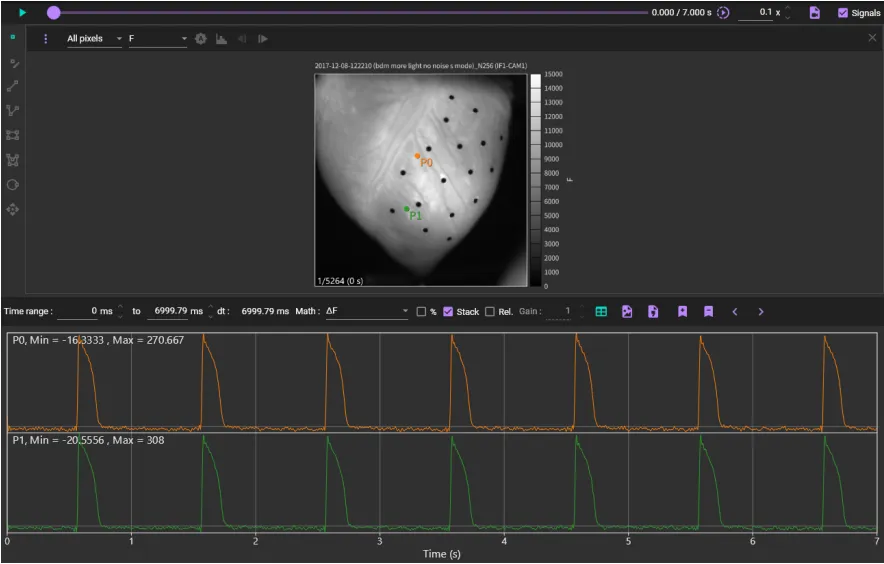
Specify point by clicking on an image with "Add point"  selected. Change in fluorescence intensity at that point is displayed as a waveform. You can also analyze specified points.
| Operation | Description | |
Click on image with  selected selected | Display waveforms by specifying points | |
| Mouse drag a point | Move point | |
| Right-click | Export... | You can output point position information to a file (*.rdb). A rdb file can be imported by [ROI]-[Import regions...] on the right-click menu. |
| Copy | Copy point's location information. You can paste location information at same position by clicking [ROI]-[Paste regions] to another data in the same dataset. | |
| Rename | Change point name. | |
| Delete | Delete point. | |
Waveform analysis
After clicking the image to display the waveform, click "waveform analysis" surrounded by a red frame.

See "Waveform analysis" for details.